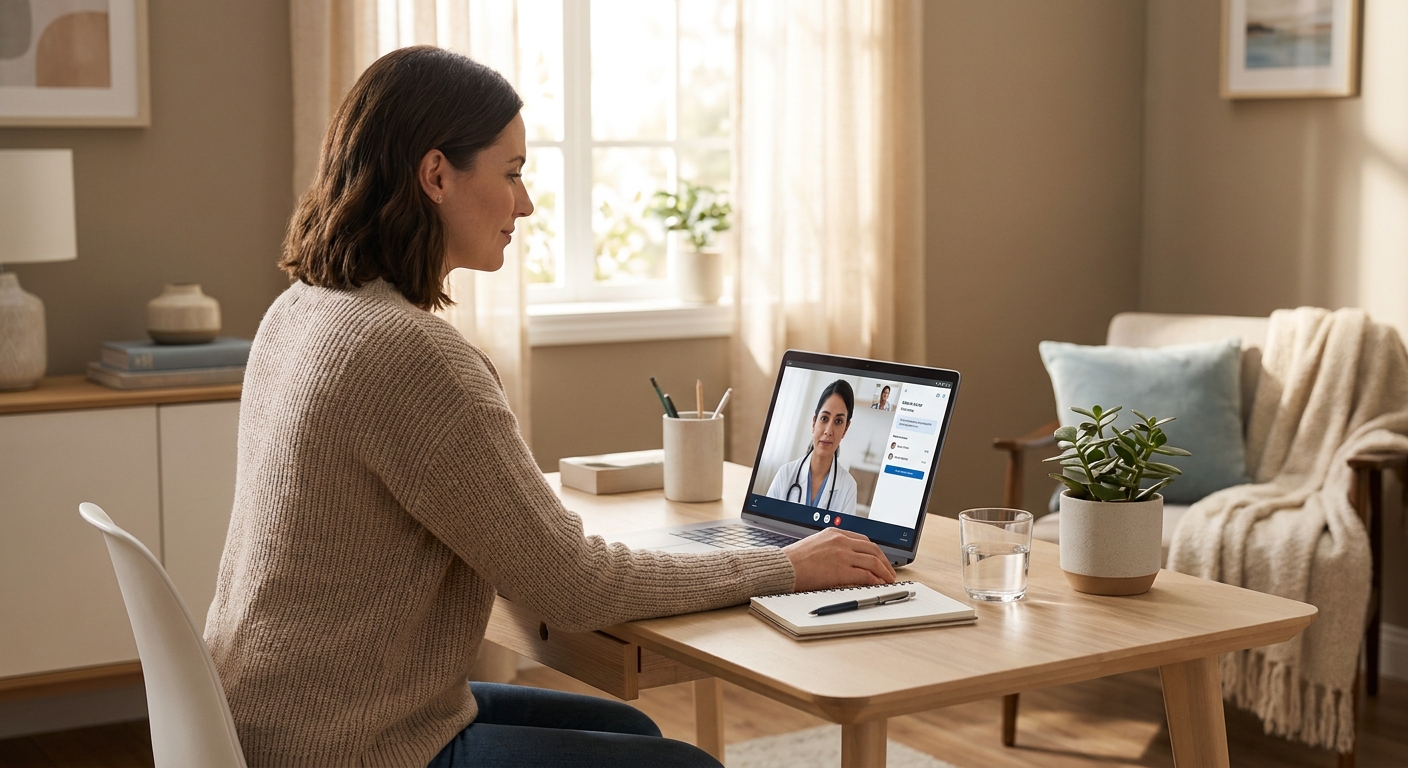
Your first telehealth appointment goes faster and works better when you show up with the right documents, a stable connection, and a clear list of what you need from the visit — this guide walks through exactly what to gather and do beforehand.
- Test your camera and Wi-Fi 15 minutes before the visit — connection drops cause most rescheduled telehealth appointments in 2026.
- Have your ID, insurance card, and current medication list photographed and ready before you log in.
- NowCare visits for podiatric concerns run 15-20 minutes — write your top 3 symptoms down first.
- Skip appointments booked from a moving car or public Wi-Fi — video and audio drop rates spike in both.
- Confirm your state allows the specific telehealth service you're booking; licensing rules vary by condition and by state in 2026.
Why this matters
A rescheduled telehealth visit costs you a week, sometimes more, if the clinician's next opening is booked out. Most of the friction isn't clinical — it's logistical: a login that doesn't work, a camera nobody tested, a medication list that exists only in someone's memory.
NowCare connects patients with licensed clinicians for conditions ranging from heel pain and nail fungus to diabetic foot care, and the intake process is built to move fast when you arrive prepared. The difference between a smooth 15-minute visit and a stalled one usually comes down to five minutes of prep the night before.
What you'll need
- A device with a working camera and microphone — laptop, tablet, or smartphone
- Wi-Fi or cellular data strong enough for video, tested within the hour before your visit
- Government-issued ID and your insurance card, if applicable
- A list of current medications, including dosage and frequency
- Photos of the affected area, taken in natural light, if your visit concerns a visible symptom like a nail, rash, or skin condition
- Your pharmacy name and address, in case a prescription gets sent electronically
- A quiet, private space — bedroom or car in park, not a break room or waiting area
The steps
1. Confirm your appointment details 24 hours out
Check the confirmation email or text for the exact time, platform link, and any pre-visit forms. Telehealth platforms in 2026 typically send a reminder with a direct link — click it once ahead of time to confirm it opens without an error.
Common mistake: waiting until the appointment start time to open the link for the first time. If it requires an account creation step or app download, you'll eat into your visit doing setup instead of talking to a clinician.
2. Gather your medical history and current medications
Write down every medication, supplement, and dosage you're currently taking, plus any relevant history tied to your visit reason — prior diagnoses, surgeries, or allergies. If your visit is about a chronic condition, note when symptoms started and what's changed recently.
This step matters more than most patients expect: a clinician who has your full medication list upfront can flag interactions and make a treatment decision in the same visit, rather than requesting a follow-up. If you're managing a maintenance prescription, review options for an online prescription refill for maintenance medications before your call so you know what to ask for.
3. Test your tech at least 15 minutes before
Open the camera app on your device and confirm video and audio both work. Join a test call if the platform offers one, or simply open the link early to confirm it loads.
Expected outcome: a working preview screen showing your video feed before the clinician joins. Common mistake: discovering a dead microphone or blocked camera permission after the visit has already started — this alone accounts for a large share of telehealth no-shows and reschedules.
4. Find a private, well-lit space
Podiatric visits often require the clinician to see the affected foot or nail directly, so natural light and a plain background make a real difference in what they can assess. Sit somewhere you can remove a sock or shoe comfortably and hold your foot up to the camera if asked.
Avoid public Wi-Fi for this step — beyond privacy, shared networks are the most common cause of dropped video during telehealth for rural patients and anyone outside strong cellular coverage. If you're in an area with spotty service, review guidance built for a telehealth platform for rural patients before your visit date.
5. Write down your top 3 questions or symptoms
A focused list beats a mental scramble once the clinician joins. If your visit covers heel pain, nail health, or diabetic foot concerns, note when the pain started, what makes it worse, and any home treatments you've already tried.
This step shortens the visit and improves the outcome — clinicians can move straight to assessment instead of spending the first five minutes extracting basic history.
6. Confirm your pharmacy and insurance details
Have your pharmacy's name, address, and phone number ready in case a prescription needs to be sent electronically. If insurance applies to your visit, have your card photographed or in hand — some plans require the group number, not just the member ID.
Common mistake: giving the pharmacy's cross-street instead of its exact name, which delays e-prescriptions by hours in some cases.
7. Join 5 minutes early
Most telehealth platforms open the waiting room a few minutes before the scheduled time. Joining early confirms your connection is stable and gives the clinician a signal you're ready, which keeps visits running on schedule for everyone booked that day.
Troubleshooting
Video freezes or lags mid-visit. Switch from Wi-Fi to cellular data or vice versa — whichever wasn't the original connection. Most freezing issues resolve within 30 seconds of switching networks.
You can't find the visit link. Check spam and promotions folders first; confirmation emails from telehealth platforms get filtered more often than standard email. If it's still missing 10 minutes before your visit, call the support number on your booking confirmation.
The clinician can't see the affected area clearly. Move closer to a window or turn on an overhead light rather than a lamp — side lighting creates shadows on nail beds and skin that make remote assessment harder.
Your appointment reason isn't covered by telehealth in your state. Licensing rules for prescribing and diagnosis vary by state and by condition in 2026. If you're unsure, check requirements before booking rather than during the visit.
You forgot your medication list. Pull up your pharmacy's app or website mid-visit — most show fill history, which works as a substitute if you're logged in.
The visit gets cut short due to time. This usually means too many issues were raised at once. Prioritize your top concern for this visit and note the rest for a follow-up.
Tools and resources
- NowCare — provider-guided online podiatric care across the Seven Pillars of Foot & Ankle Health
- Best telehealth platforms for same-day appointments — for comparing wait times before you book
- How to book an urgent care video visit — a walkthrough for time-sensitive visits
- Your device's built-in camera app, used to test video before the call
- Your pharmacy's app or portal, for fill history and prescription details
What to do next
Once your first visit is done, the bigger question is whether your current telehealth setup fits your ongoing needs — a one-off visit for a sinus infection is a different decision than picking a platform for recurring foot and ankle care or chronic condition management. If you're weighing options for your household, the guide on how to choose a telehealth platform for your family covers what to compare beyond price.
FAQ
How do I prepare for my first telehealth appointment?
Test your camera and internet connection 15 minutes early, gather your ID, insurance card, and medication list, and write down your top symptoms or questions. Most telehealth appointment problems in 2026 come from tech setup, not the visit itself.
What documents do I need for a telehealth visit?
You need a government-issued ID, your insurance card if applicable, and a current medication list. For podiatric visits, photos of the affected area in natural light help the clinician assess without an in-person exam.
Can I do a telehealth visit from my phone?
Yes, a smartphone works as long as the camera and microphone function and your connection is stable. Cellular data often performs better than public Wi-Fi for video visits.
How long does a telehealth appointment take?
Most telehealth visits run 15-20 minutes, including podiatric consultations through NowCare. Visits run faster when you arrive with your medication list and symptoms already written down.
What happens if my video freezes during a telehealth visit?
Switch networks immediately — from Wi-Fi to cellular data or the reverse — which resolves most freezing within 30 seconds. If the issue continues, most platforms let the clinician call you back by phone to finish the visit.
Do I need insurance for a telehealth appointment?
It depends on the platform and visit type; some telehealth services operate on a self-pay basis regardless of insurance. Confirm coverage details before booking so there are no surprises after the visit.
Is telehealth as effective as an in-person visit?
For many conditions, including podiatric issues like nail fungus, heel pain, and diabetic foot monitoring, telehealth allows a licensed clinician to assess and recommend treatment without an office visit. Conditions requiring physical manipulation or imaging still need in-person follow-up.
What should I do if I forget something before my telehealth visit?
Pull up what you need in real time — pharmacy apps show fill history, and photo galleries can substitute for items you forgot to bring up front. A missing detail rarely derails a well-prepared visit.
One last thing
The single biggest predictor of a smooth telehealth visit isn't the platform or the clinician — it's whether you tested your camera before the appointment started. Patients who join 5 minutes early with video already confirmed rarely lose visit time to tech issues; patients who click the link cold, at the exact start time, are the ones who end up rescheduling.