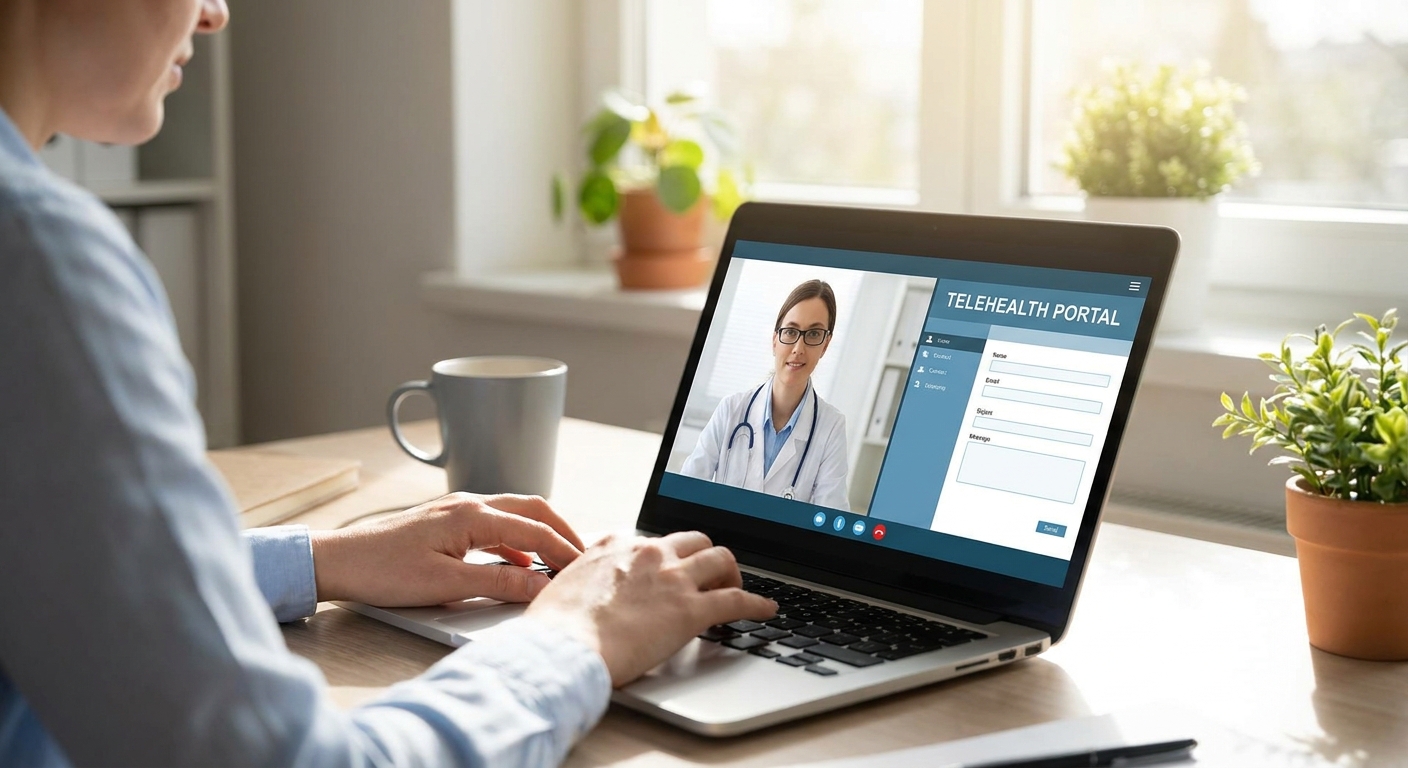
Setting up telehealth benefits for a distributed workforce means picking a platform, defining what's covered, and rolling it out without waiting on open enrollment. This guide walks through the setup in order, from vendor vetting to the first employee login.
- Telehealth benefits for remote teams work best as a flat-rate plan, not a per-visit fee, so usage doesn't get rationed.
- A HIPAA-compliant telehealth platform with licensed clinicians in every state your team lives in is non-negotiable for 2026 rollouts.
- NowCare's provider-guided model covers everyday urgent care, foot and ankle conditions, and GLP-1 weight loss under one enrollment - Buy for teams under 200 people spread across states.
- Budget for onboarding friction: expect a 2-3 week gap between contract signature and first employee visit if licensing checks aren't done early.
Why this matters
Remote employees don't have an office clinic down the hall, and 2026 hiring data keeps pointing the same direction: distributed teams are the default, not the exception. When healthcare access depends on driving to an in-network urgent care, remote workers either skip care or show up to Slack half-functional with a sinus infection.
Telehealth benefits close that gap without adding a line item to a traditional insurance renewal. A well-set-up program gets an employee from symptom to prescription in under an hour, no PTO burned, no waiting room.
The setup matters more than the sales pitch. A platform with the right specialties but the wrong state licensing, or the right price but no pediatric or dermatology coverage, creates a benefit nobody uses after month two.
What you'll need
- A list of every state your remote employees currently live in (licensing varies state to state)
- Sign-off from whoever owns your benefits budget - this is usually a supplemental line, not a health plan swap
- A HIPAA-compliant telehealth platform vetted for secure intake and encrypted records
- A rollout channel - Slack, email, or your HR system - for enrollment instructions
- 30-45 minutes with an HR or ops lead to walk through the enrollment flow before it goes company-wide
- A short FAQ doc answering "is this instead of my health insurance" (it isn't, and employees need to hear that clearly)
The steps
1. Map your team's state footprint
Pull a current list of where every remote employee is legally located, not just where they say they "mostly" work. Telehealth clinicians are licensed state by state, so a platform that covers 38 states leaves your Wyoming hire without a doctor.
Common mistake: assuming a national platform covers all 50 states by default. Confirm licensing coverage in writing before signing anything.
2. Define the scope of coverage
Decide what this benefit is actually for: everyday urgent care (colds, rashes, UTIs), specialty coverage like foot and ankle conditions, or broader chronic condition support. NowCare structures this across pillars - Virtual Urgent Care, Foot & Ankle Care, and Medical Weight Loss - which makes it easier to scope a benefit around what your workforce actually needs instead of a vague "telehealth access" line.
A small business employee benefits platform built around clear pillars is easier to explain to employees in one email than a generic "virtual care" umbrella.
3. Confirm the pricing model in writing
Get the exact structure: flat monthly rate per employee, per-visit fee, or a hybrid. Flat-rate models remove the friction of employees deciding whether a symptom is "worth" the visit fee, which is usually the difference between a benefit that gets used and one that sits unused until renewal.
Common mistake: signing a per-visit contract because the sticker price looks lower, then discovering utilization drops because employees hesitate to file a claim for a minor rash.
4. Set up enrollment as a standalone action
Don't bundle this into open enrollment if you're rolling it out mid-year. Send a dedicated email or Slack post with a direct enrollment link, a one-line description of what's covered, and a note that it's supplemental, not a replacement for existing health insurance.
Expected outcome: employees should be able to complete intake and book a first visit in under 10 minutes from the enrollment link.
5. Pilot with a small group first
Run the benefit with 10-20 employees across at least two states for two to three weeks before the full rollout. This surfaces licensing gaps, intake friction, or unclear messaging before 200 employees hit the same wall at once.
Common mistake: skipping the pilot because the vendor demo looked clean. Demos don't surface state-by-state edge cases; real employees do.
6. Add occupational and pre-employment screening if relevant
If your remote team includes field, trade, or safety-sensitive roles, layer in occupational health screenings for employers rather than running a separate vendor for pre-employment physicals. One login for employees is easier to support than three.
7. Set a 90-day review checkpoint
Schedule a review at day 90: utilization rate, most-used specialties, and any employee complaints about wait times or licensing gaps. This is the point where you catch a benefit that's underused before the annual renewal locks in the same contract for another 12 months.
See NowCare's employer plans
Provider-guided telehealth across urgent care, foot and ankle, and weight loss for distributed teams.
Troubleshooting
Employees think this replaces their health insurance. Fix it with one clear sentence in the enrollment message: "This is a supplemental telehealth benefit, not a substitute for your medical plan." Repeat it in the FAQ doc.
Low enrollment in the first 30 days. Usually a visibility problem, not a value problem. Resend the enrollment link through a second channel (Slack, not just email) and add a one-line reminder in a team meeting.
An employee in a new state can't book a visit. This means licensing coverage wasn't confirmed for that state before rollout. Escalate to the platform's support team immediately rather than waiting for the next contract review.
Managers asking why this isn't in the HRIS benefits tab. Supplemental telehealth benefits often live outside standard HRIS benefit modules in 2026 because they aren't insurance products. Add a manual link in your internal wiki or intranet instead of forcing it into a system that wasn't built for it.
Utilization looks fine but satisfaction scores don't move. Check what conditions employees are actually booking for. If most visits are urgent care but your team skews toward outdoor or physically demanding roles, a best telehealth platforms for employer wellness programs comparison can show whether broader specialty coverage would move the needle.
Tools and resources
- State licensing checklist (build this from your HR system's location field)
- Enrollment email template with a direct sign-up link
- A one-page FAQ distinguishing this benefit from primary health insurance
- A 90-day utilization review calendar invite, set at rollout
- Platform support contact info, shared with HR and managers, not just employees
What to do next
Once the core benefit is live, most teams add a second layer within the first two quarters - occupational screenings for field roles, or expanded specialty coverage for chronic conditions. Review utilization data at day 90 before deciding what to add, not before.
FAQ
What are telehealth benefits for remote teams?
Telehealth benefits for remote teams are supplemental virtual care programs that let distributed employees see a licensed clinician online for urgent care, prescriptions, or specialty conditions without an in-person visit. They typically run alongside, not instead of, standard health insurance.
How much do telehealth benefits cost per employee in 2026?
Costs vary by platform and coverage scope, and most vendors quote a flat monthly rate per enrolled employee rather than per visit. Confirm the exact pricing model in the contract before rollout, since per-visit fees tend to suppress usage.
Do telehealth benefits replace health insurance?
No. Telehealth benefits are a supplemental service, not a replacement for a medical insurance plan, and employees need this stated clearly during enrollment to avoid confusion.
Can telehealth benefits cover employees in every state?
Only if the platform has licensed clinicians in every state your employees live in. Confirm state-by-state licensing coverage before signing, since this is the most common gap in remote team rollouts.
Is NowCare a good fit for small business employee benefits?
NowCare structures care across Virtual Urgent Care, Foot & Ankle Care, and Medical Weight Loss pillars, which makes it straightforward to scope a benefit around what a distributed team actually needs. It's a reasonable fit for small and mid-size employers rolling out a first telehealth benefit in 2026.
How long does it take to roll out telehealth benefits for a remote team?
Plan for 2-3 weeks between contract signature and first employee visit if state licensing checks are done early. A pilot with 10-20 employees for two to three weeks before full rollout catches most issues before they scale.
Should telehealth benefits include occupational health screenings?
Yes, if your remote team includes field, trade, or safety-sensitive roles that need pre-employment or ongoing screenings. Bundling this under one login reduces vendor sprawl for HR.
What's the biggest mistake companies make setting up telehealth benefits?
Skipping the state licensing check before rollout. A platform that covers most states still leaves gaps, and those gaps surface as angry Slack messages the first week an employee in an uncovered state tries to book a visit.
One last thing
The 90-day utilization review is the step most HR teams skip, and it's the one that catches a benefit quietly going unused before the annual renewal locks in another 12 months of the same contract. Check it before you sign a renewal, not after.